Improving Mapgen4's boundaries, part 1 #
I've been wanting to refamiliarize myself with the mapgen4 code because I'd like to do some new map projects and will want to reuse some of the code from my existing projects.
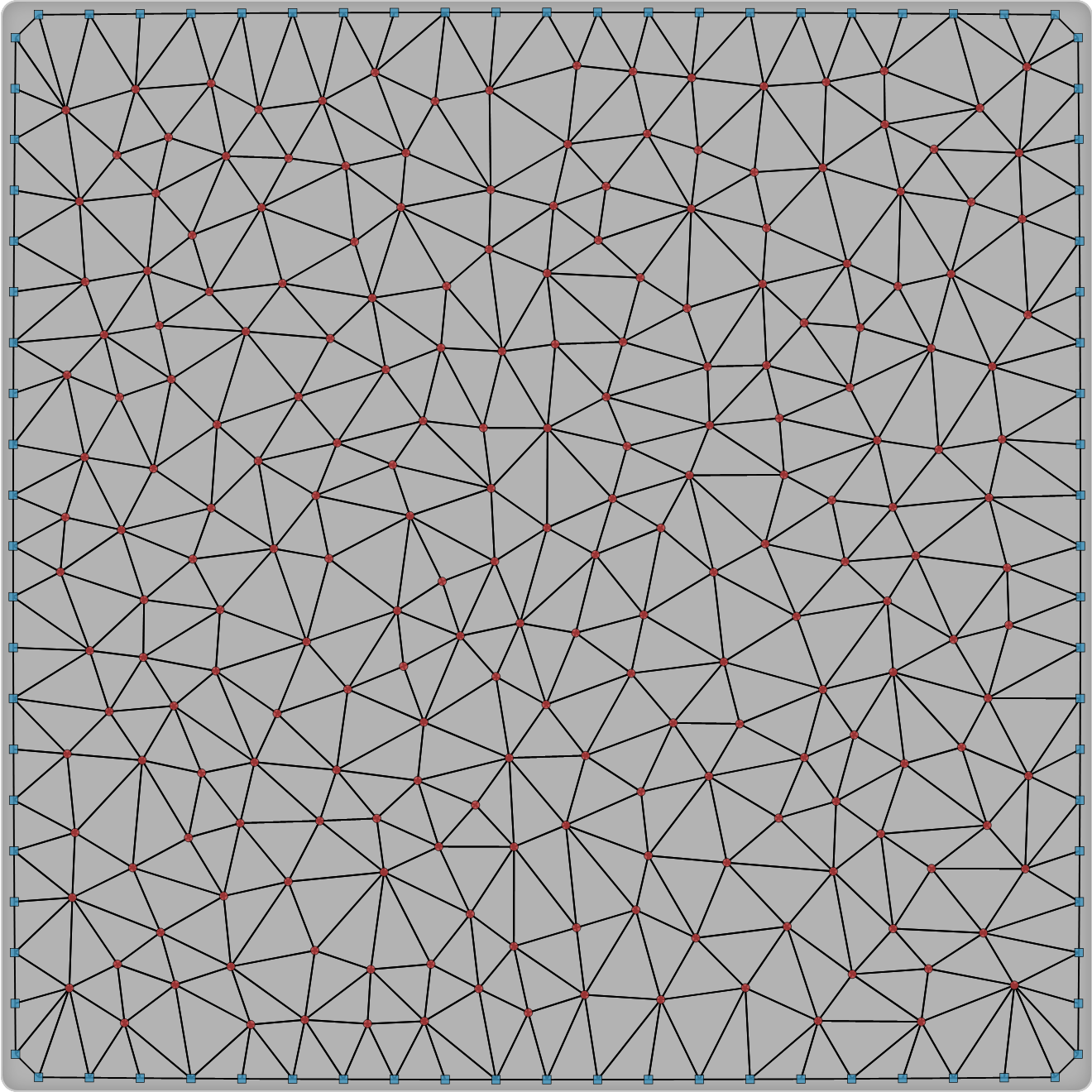
The first thing I decided to work on was my dual-mesh library. I had originally written it to be a generally useful wrapper around Delaunator. Since then, I wrote the Delaunator Guide, which has all the same functions, but in a way that you can adapt to your own needs. I also realized that by making this library public, I was making it harder for my own needs. So version 3 of this library is going to be primarily for my own needs.
Explaining the Hexagon Layout class #
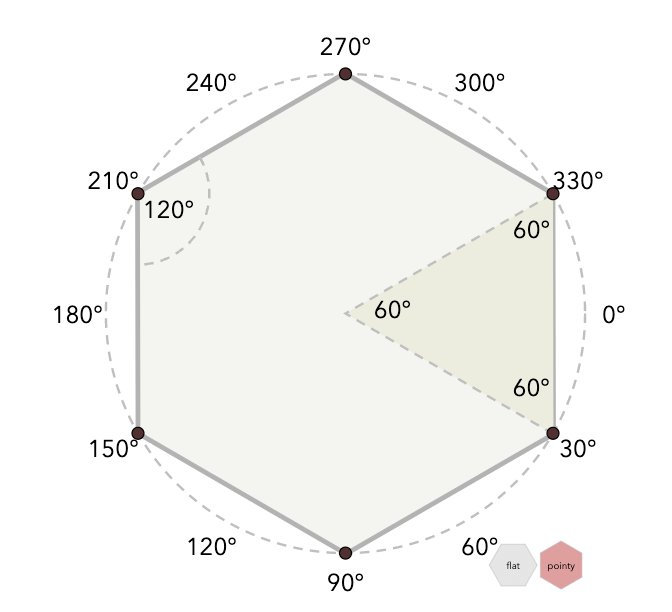
On the Hexagon Implementation page I have a Layout class that controls how to convert back and forth between hexagonal coordinates and screen coordinates. It has parameters (size.x, size.y, origin) that aren't explained on the hexagon concepts page. That's in part because they complicate the explanation and aren't hexagon-specific. The size is a standard scale transform and the origin is a standard translate transform. Although I have some explanation on the implementation page, it's not very good. I made some improvements:
Tank Control experiments #
I'm still a bit sad about Flash going away. Yes, I know lots of people hated it. But it was an amazing tool for quick prototypes. There are some projects that I keep revisiting, and over time I'm converting them to HTML5.
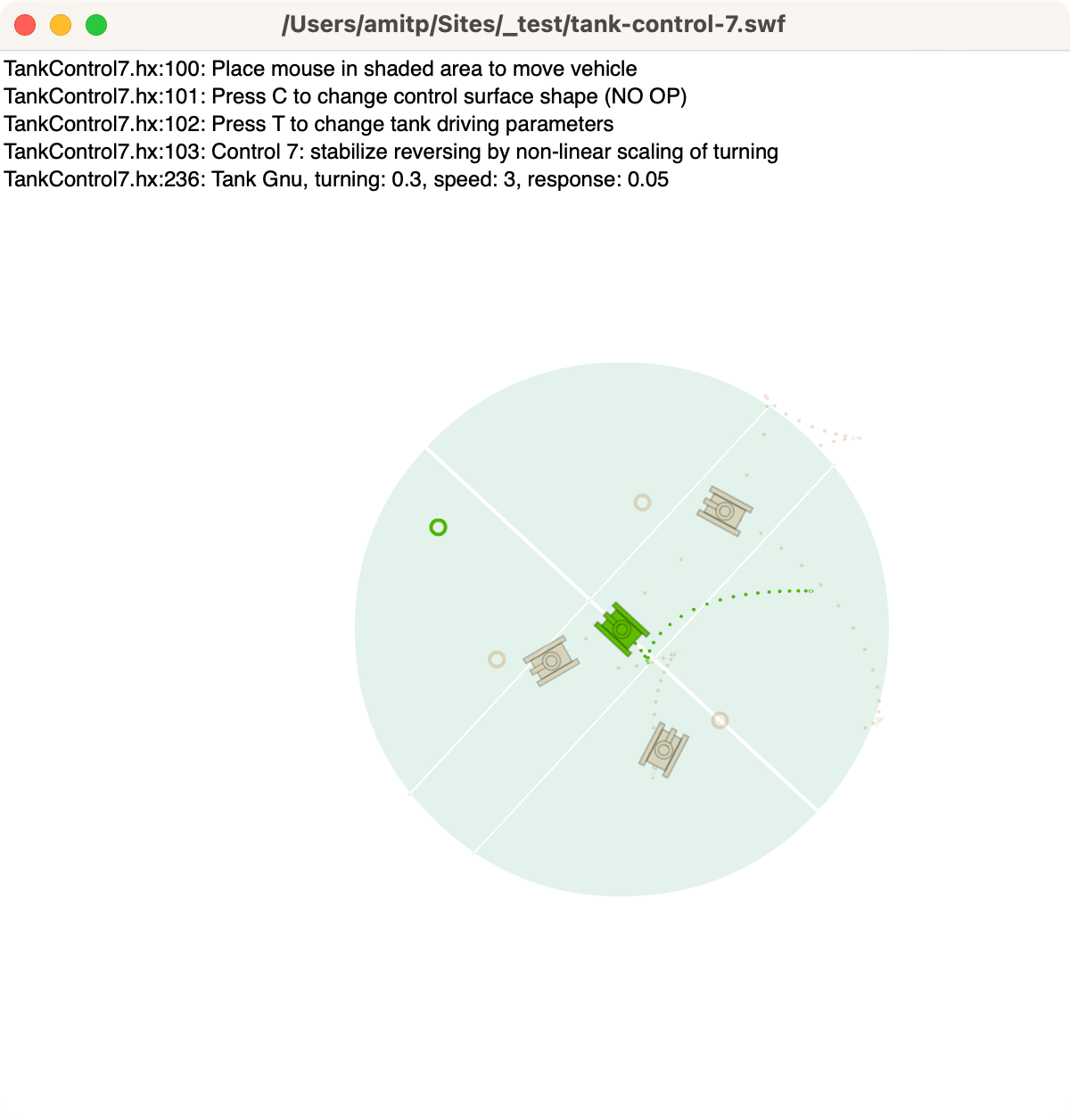
Last year I converted my Flash procedural tree generator (succeeded) and attempted to convert my Flash spaceship flyer (failed). This time I wanted to run my Tank Control prototype from 2012:
Labels: flash
Making-of: draggable objects #
I noticed last year that some of my projects behave inconsistently on touch devices. I didn't do anything about it. But then I was working on a tutorial about how I make my interactive tutorials, I had to show how to handle touch events, and I was embarrassed by my code. I decided to take a week to learn about mouse, touch, and pointer events.
That week turned into two. And three. And eight.
I learned a lot. Not only about the event handling spec, but also differences in browser behavior and operating system behavior.
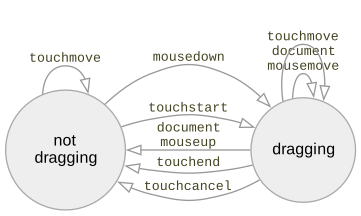
I was able to greatly simplify my code by using newer APIs and by removing unnecessary code.
Labels: making-of
Making-of: circle drawing page #
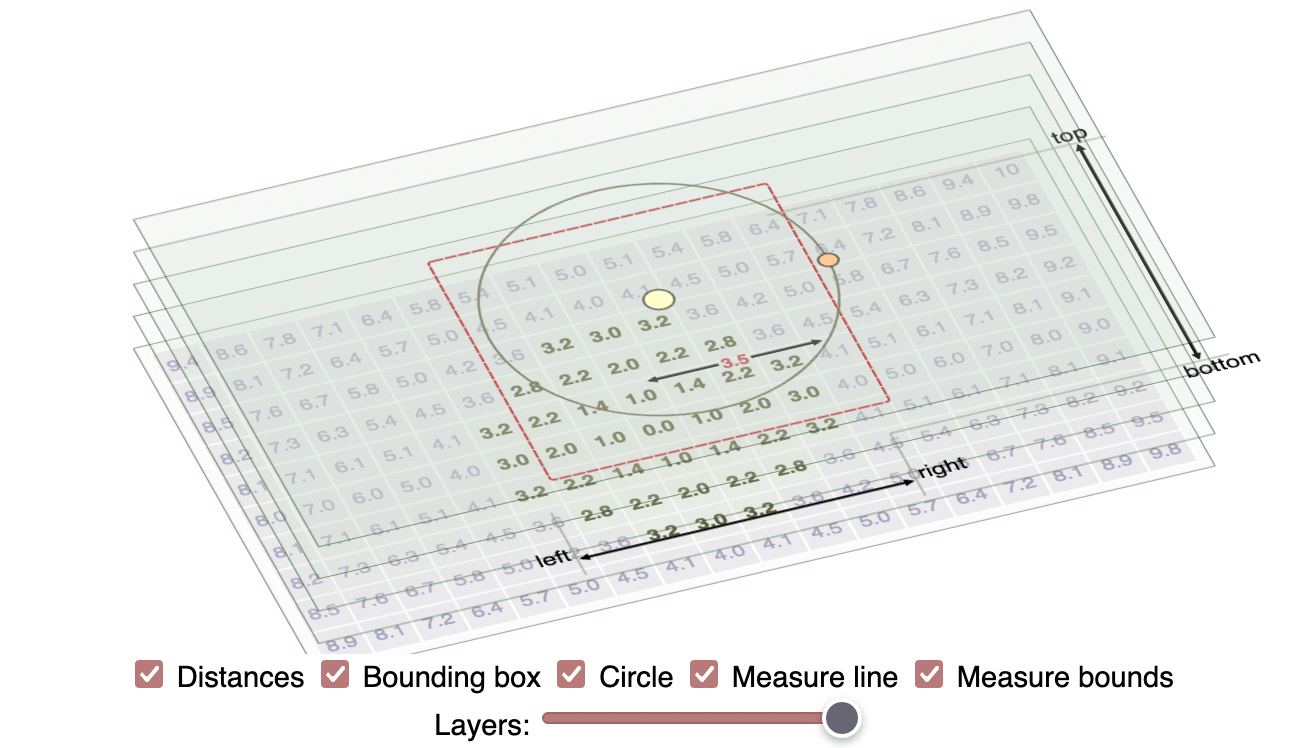
People sometimes ask me how I write my interactive tutorials. I started out using d3.js, and five years ago I wrote an interactive tutorial about how I made interactive pages with d3.js. I recreated a diagram from my line drawing tutorial, which was implemented in d3.js. I now use Vue.js v2, so I wrote a new tutorial about how I make interactive pages with Vue. I recreated several diagrams from my circle drawing tutorial.
One letter variable names #
I admit I use one letter variable names in my code. But which names? Here's what I use in for loops:
# rg 'for \(let . ?='
#     | perl -pe 's/.*let //g' | perl -pe 's/=.*//g'
#     | sort | uniq -c | sort -nr | head

509 i
132 x
122 y
118 r
 57 t
 53 q
 47 j
 43 s
 31 e
 14 k
Labels: code
What I did in 2022 #
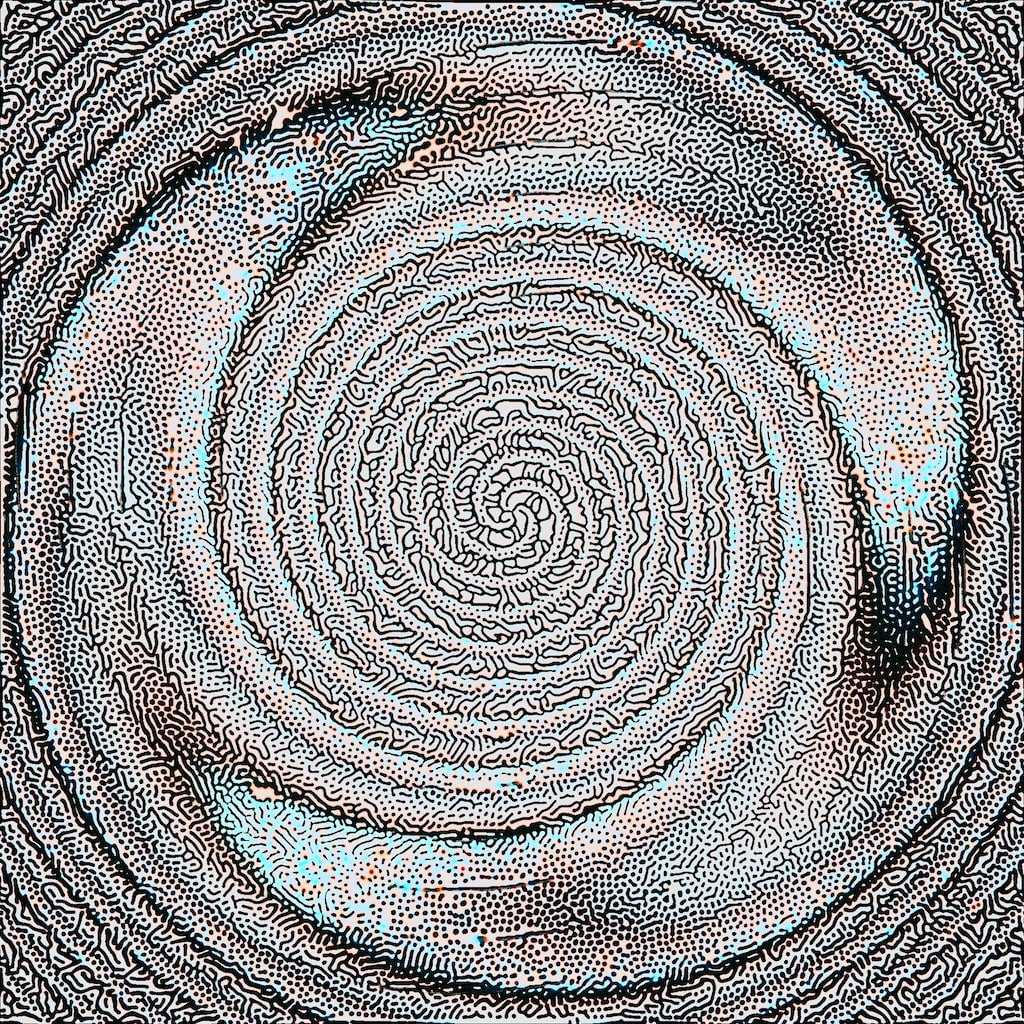
It's time for my annual self review. It's been another weird year. Last year I said I was going to spend more time on experiments, art, and learning, and I would improve my existing guides.
Labels: annual-review
Introduction to hexagons, part 3 #
In part one, I described how I was making a new diagram for my hexagon grid guide, but that I didn't know how to evaluate the design choices I had to make. In part two, I described how I looked at the introductory section of the page to decide the purpose of the new diagram and how it fit in with the others.
Introduction to hexagons, part 2 #
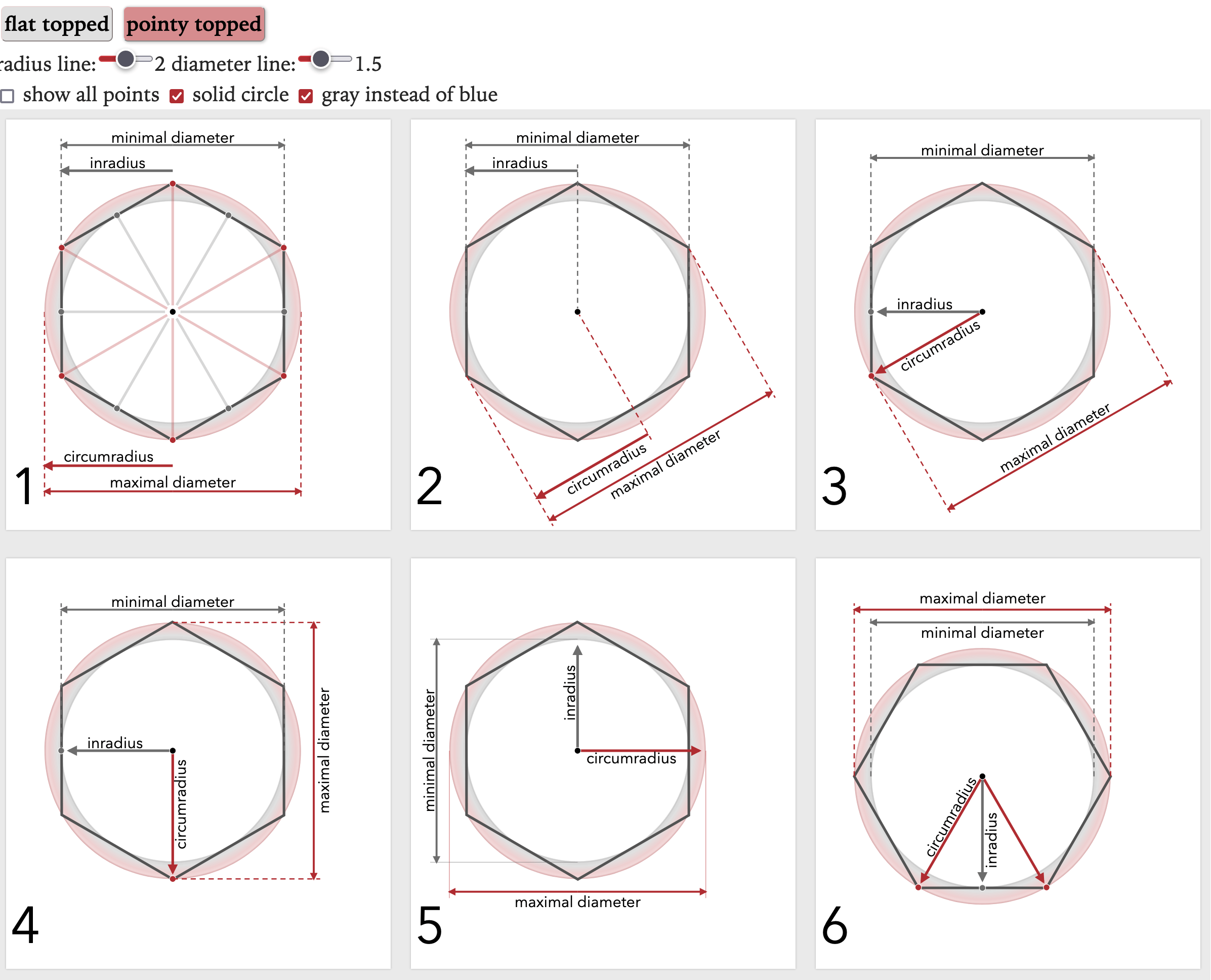
In part one, I described how I created lots of variants of a diagram to try to figure out which one to use on my hexagon guide.
Introduction to hexagons, part 1 #
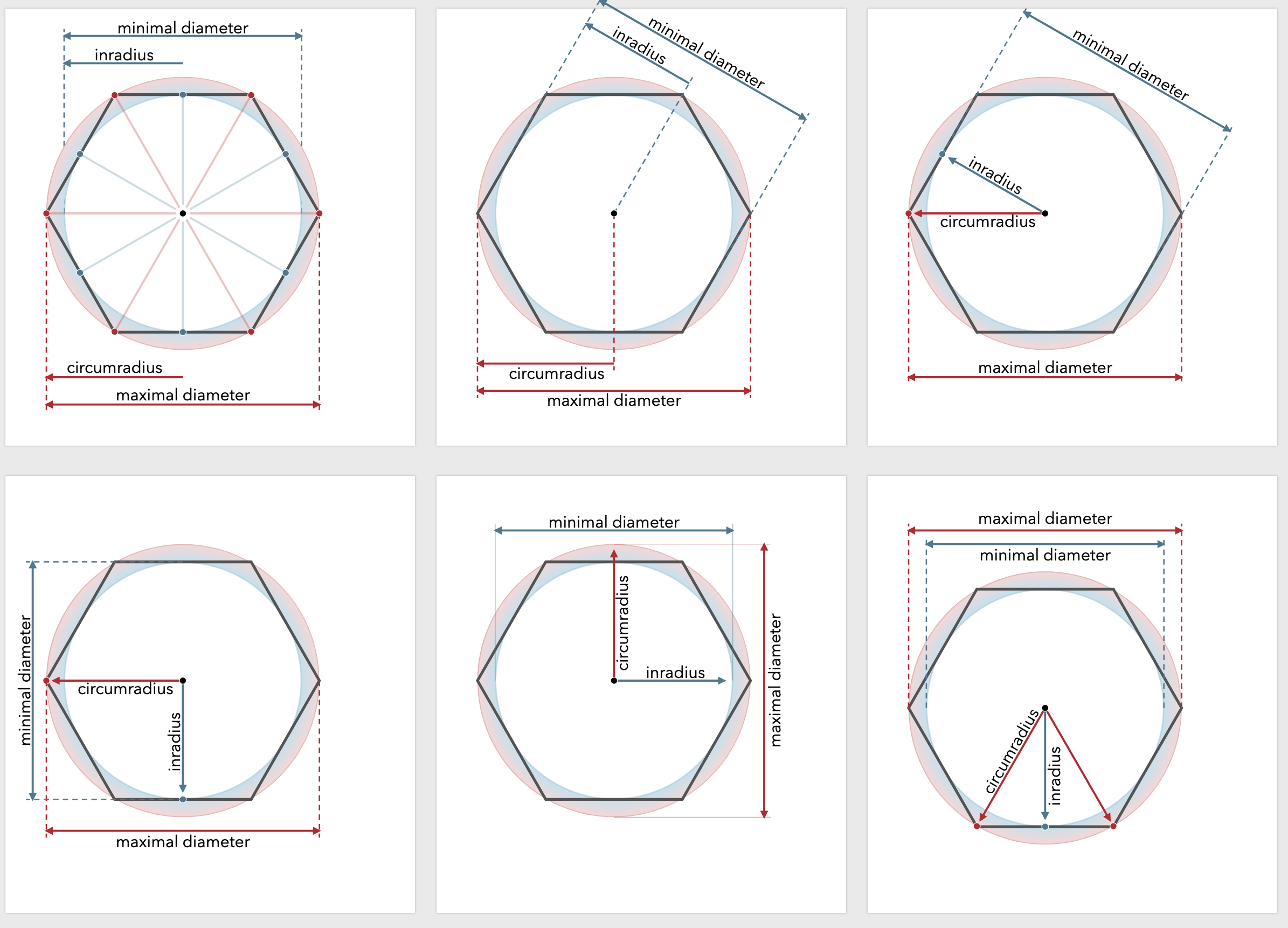
When I started making interactive diagrams the hard part was making them interactive part. But over the years I've gotten much better at that. Now the problem is designing the diagrams. A few weeks ago I was looking at the beginning of my hexagons guide to see what I could improve. I noticed this paragraph had no corresponding diagram:
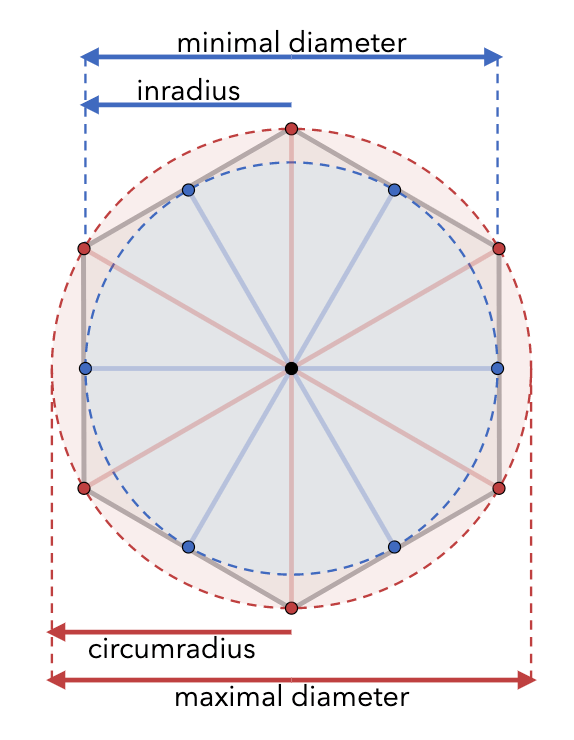
In math, the "circumradius" is the distance from the center to a corner (I call this size); the "inradius" is the distance from the center to the middle of an edge, sqrt(3/4)*size. The "maximal diameter" is twice the circumradius; the "minimal diameter" is twice the inradius. Wikipedia has more.
My first thought was to add a diagram for this. I already have a diagram about angles, so I could add a diagram showing the inradius and circumradius: